
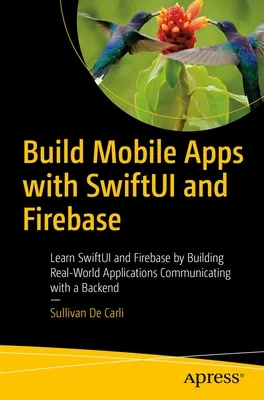
Description
Create a mobile app for Apple platforms using SwiftUI in conjunction with Googles Firebase backend to post and retrieve data, authenticate users, and store data securely. Youll use SwiftUI to create an engaging and aesthetically appealing user interface that meets the expectations of iOS users while leveraging the power of Googles Firebase to securely and seamlessly work with your backend data.
With an intro to Xcode and SwiftUI, followed by tutorials on how build an app with Firestore, Firebase Storage, and the Authenticate framework, youll find everything you need to build a complete iOS application. Youll begin with an introduction to Firebase and an overview of how to use Xcode and write code in SwiftUI. Then dive into two real-life projects where youll build a note application and a social media application. With these projects, youll see how to post, read, edit, and delete data using Firestore. Youll also upload large assets, such as pictures, toFirebase Storage, and we will also authenticate users with email and Sign in with Apple. On the backend, youll learn how to structure our data, secure it, and also use third-party extensions to enhance the user experience.
Build Mobile Apps with SwiftUI and Firebase offers the skills and knowledge necessary to develop apps that are both fun and functional for the user while also providing a robust backend that integrates with your app and stores data securely. Use SwiftUI and Firebase to build something your users will love!
What Youll Learn
Authenticate users on your app
Secure a remote database and manage data easily
Enhance user experience with extensions
Who This Book Is For
iOS developers who are beginning their journey with both SwiftUI, to build user interfaces, and the Google Firebase backend.
Author: Sullivan de Carli
Binding Type: Paperback
Publisher: Apress
Published: 04/27/2023
Pages: 140
Weight: 0.5lbs
Size: 9.21h x 6.14w x 0.33d
ISBN: 9781484292839
Language: English




Reviews
There are no reviews yet.